
| ← Free software home | 🌐 中文 | English |
Printing egg-box labels, produce traceability labels and price tags every day — and still fiddling with font sizes and table cells in Word?
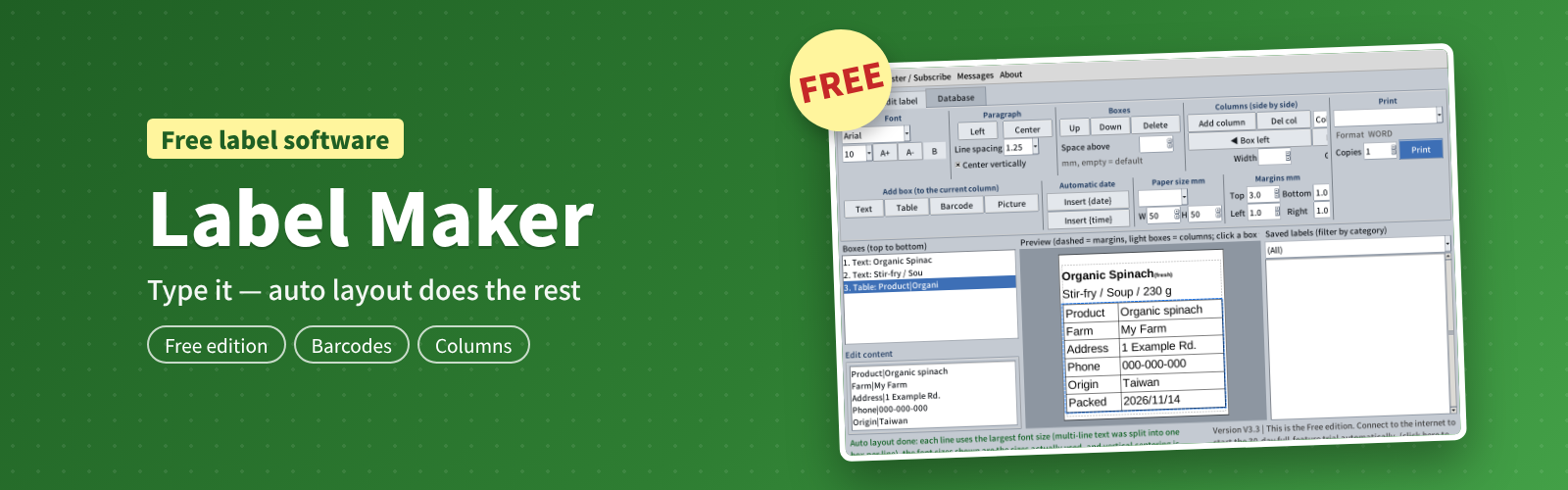
Label Maker is a free Windows label program for small farms, farmers' associations, farm stands, food producers and shops. Type a product name, notes and a barcode, and Label Maker lays everything out automatically for your label size: every line at the largest font that fits, neatly aligned, ready to print on your label printer with one click.
Free download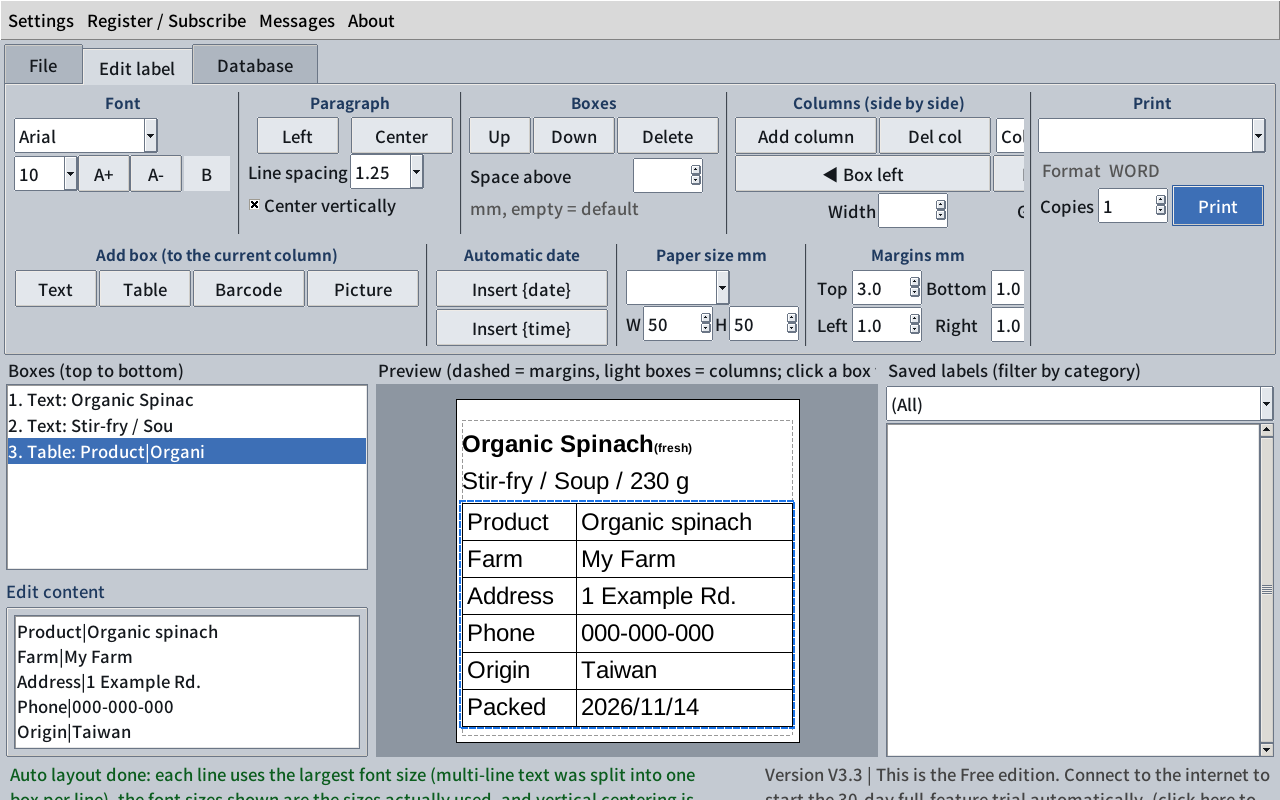
Free to use — no sign-up, no credit card
After installing you have the free edition — start making labels without entering any details. The first time it connects to the internet you also get all features free for 30 days. To remove the limits on copies and saved labels, simply register free with your email.
Who is it for
- Small farms selling their own eggs, vegetables, fruit and processed foods
- Farmers' associations, farm stands and markets: price tags, origin labels, delivery dates
- Bakeries, restaurants and shops: product names, ingredients, best-before dates, barcodes
- Teams with Vietnamese- or Hindi-speaking staff: bilingual product names
Auto layout: just type — no more adjusting font sizes
This is the heart of the program. Click [Auto layout] and each line is set to the largest font size that still fits the label; multi-line content is shared out automatically and can be centered vertically. When saving, Label Maker checks that the label is exactly one page and shrinks it automatically if needed, so nothing gets cut off. Even on a tiny 30 × 20 mm label, auto layout keeps the text as large and clear as possible.
Text, tables, barcodes and pictures — all laid out automatically
- Text box: product names and notes, with an optional small note beside the title.
- Table box: traceability details or ingredients — one row per line, columns separated by "|" (up to 4 columns).
- Barcode box: Code 39 in the Free and Registered editions; Subscription adds EAN-13, EAN-8, UPC-A, UPC-E, Code 128, Codabar and QR Code, with check digits calculated for you.
- Picture box: your farm logo or certification mark (Subscription).
Side-by-side columns
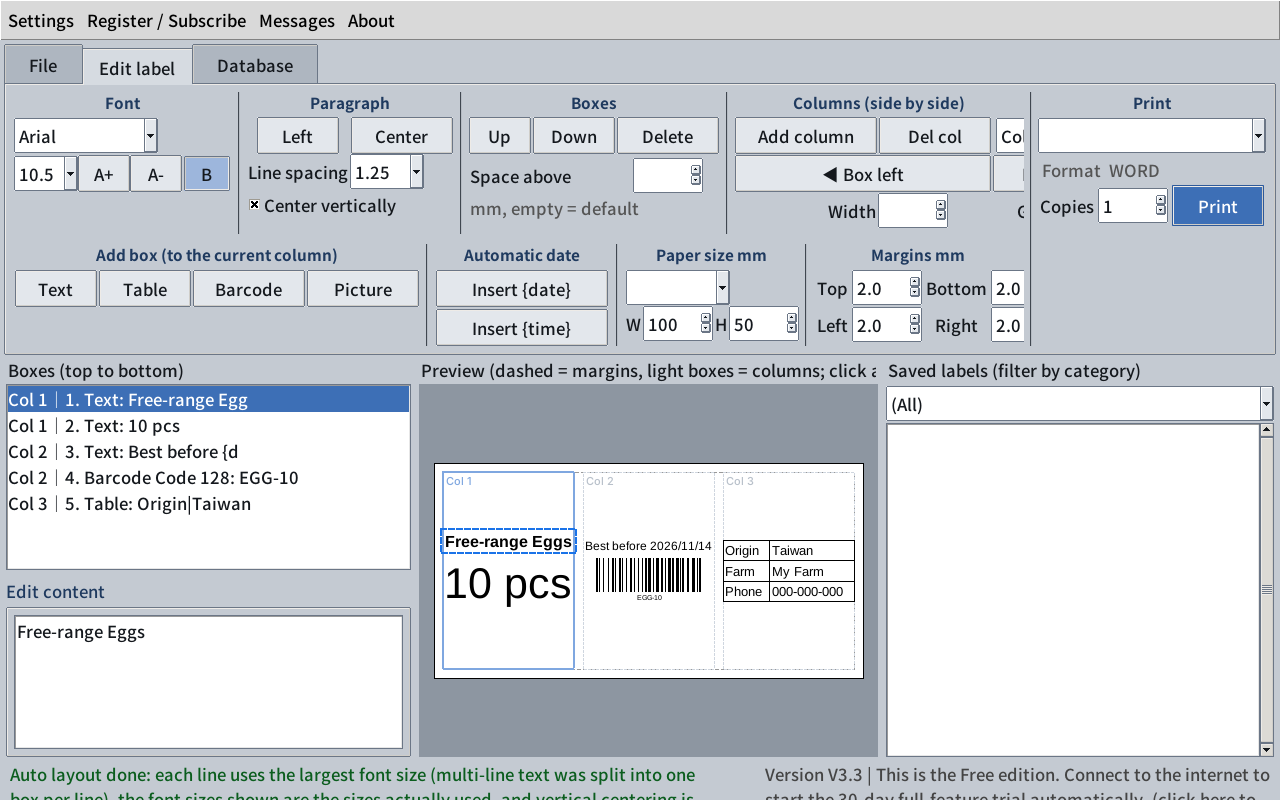
Product name on the left and a barcode on the right — or three columns: name, notes + barcode, origin table. Each column is laid out on its own, and widths and gaps are adjustable.
More useful features
Free vs Registered vs Subscription
The first time it connects to the internet you can use all features free for 30 days. Then choose:
| Free | Registered | Subscription | |
|---|---|---|---|
| Price | Free | Free (email sign-up) | NT$365 / year |
| Copies per print / per day | 10 / 50 | Unlimited | Unlimited |
| Saved labels / categories | 30 / 5 | Unlimited | Unlimited |
| Import existing Word labels | 10 in total | Unlimited | Unlimited |
| Barcodes | Code 39 | Code 39 | All (EAN-13, QR Code…) |
| Picture box (logo) | — | — | ✓ |
| Save as Word / PDF | — | — | ✓ |
| Text, tables, columns, auto date, auto translation | ✓ | ✓ | ✓ |
| Several installations on one PC | — | — | ✓ |
Subscription: NT$365 per year — about NT$1 a day. How to subscribe: [TODO: purchase link]
Requirements
- Windows 10 or Windows 11 (64-bit)
- Printing and PDF need Microsoft Word or the free LibreOffice (either one)
- Any printer or label printer that works in Windows
- Internet is needed to start the trial, register, translate automatically and check for updates — not for everyday use
Free download and installation
Download Label Maker free- Download the Setup_LabelMaker installer, double-click it and follow the steps (installs to C:\LabelMaker by default).
- The installer and the program are available in English and Traditional Chinese. Installing a newer version upgrades the old one and keeps your labels.
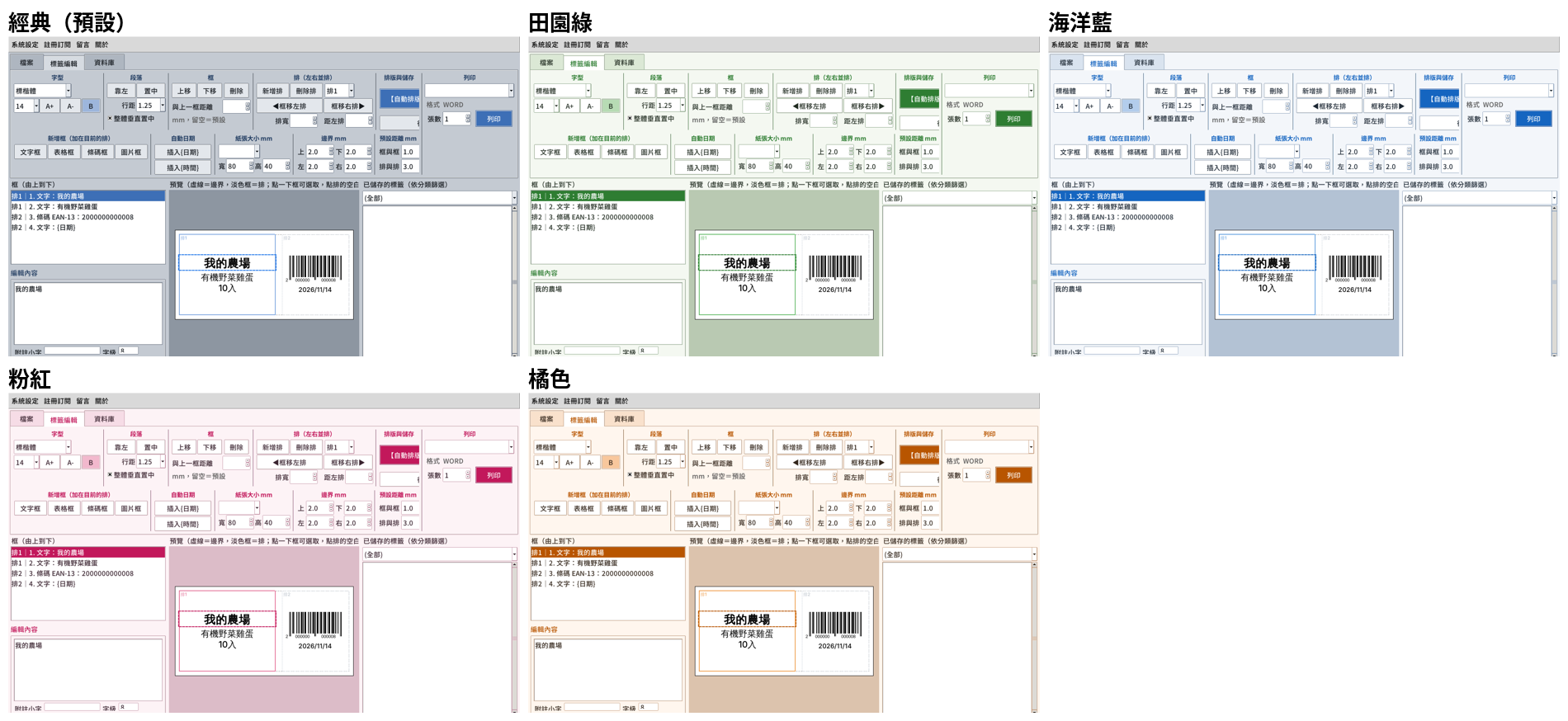
- The sample templates contain Chinese text — just replace it with your own content and click [Auto layout].
FAQ
Contact: danongnet.com@gmail.com, or use "Messages" at the top of the program.